ESP & wallhack
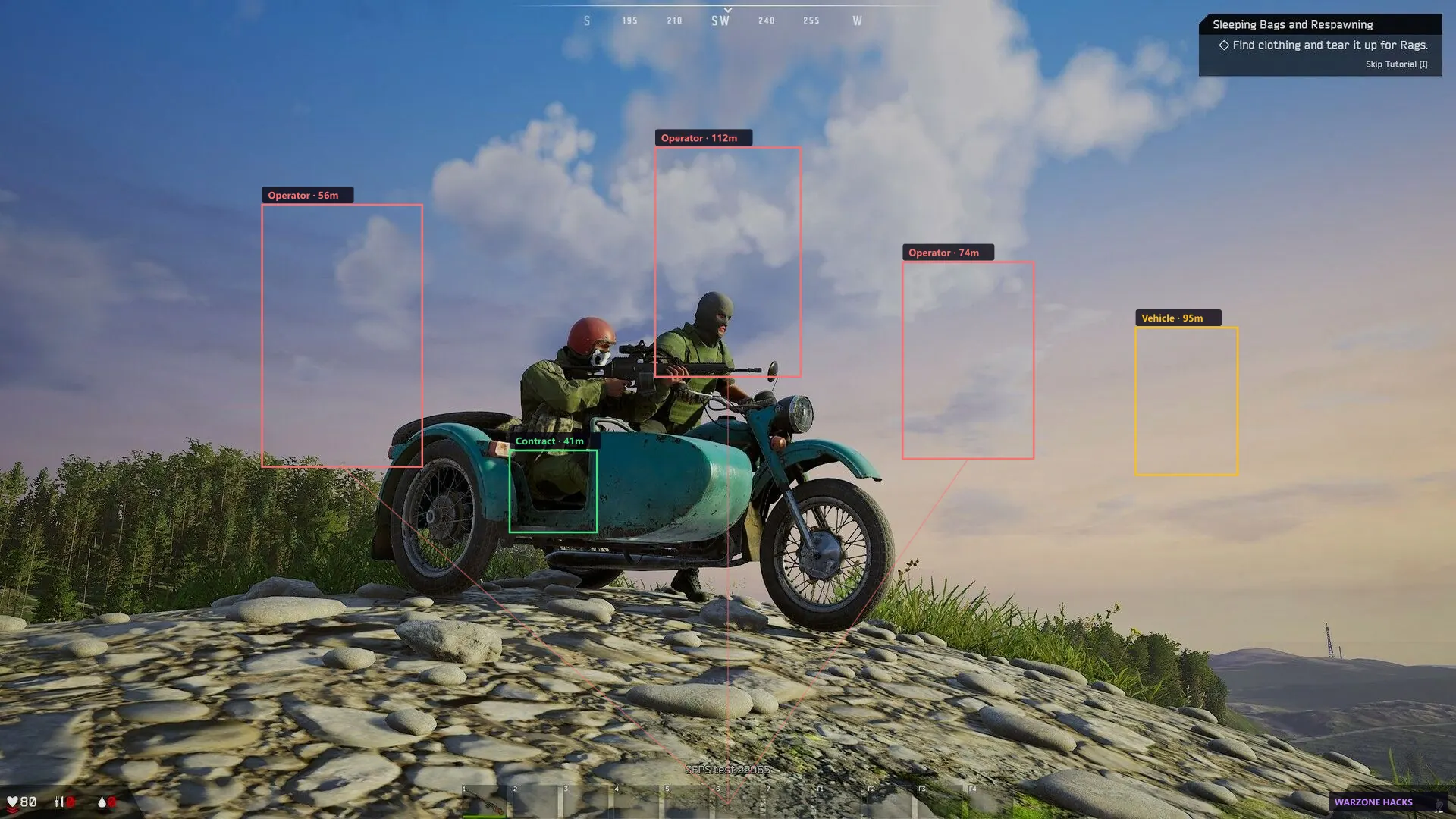
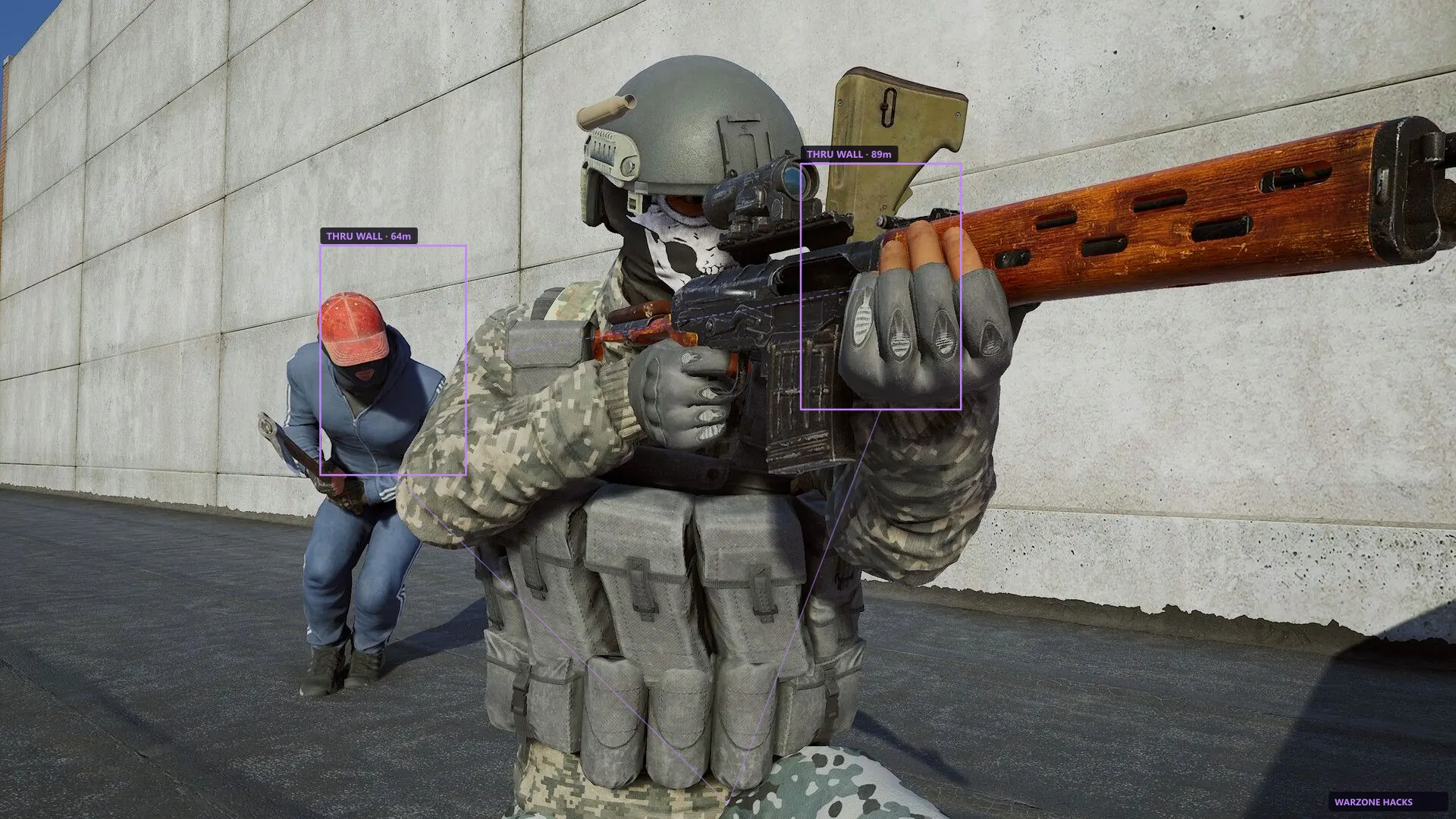
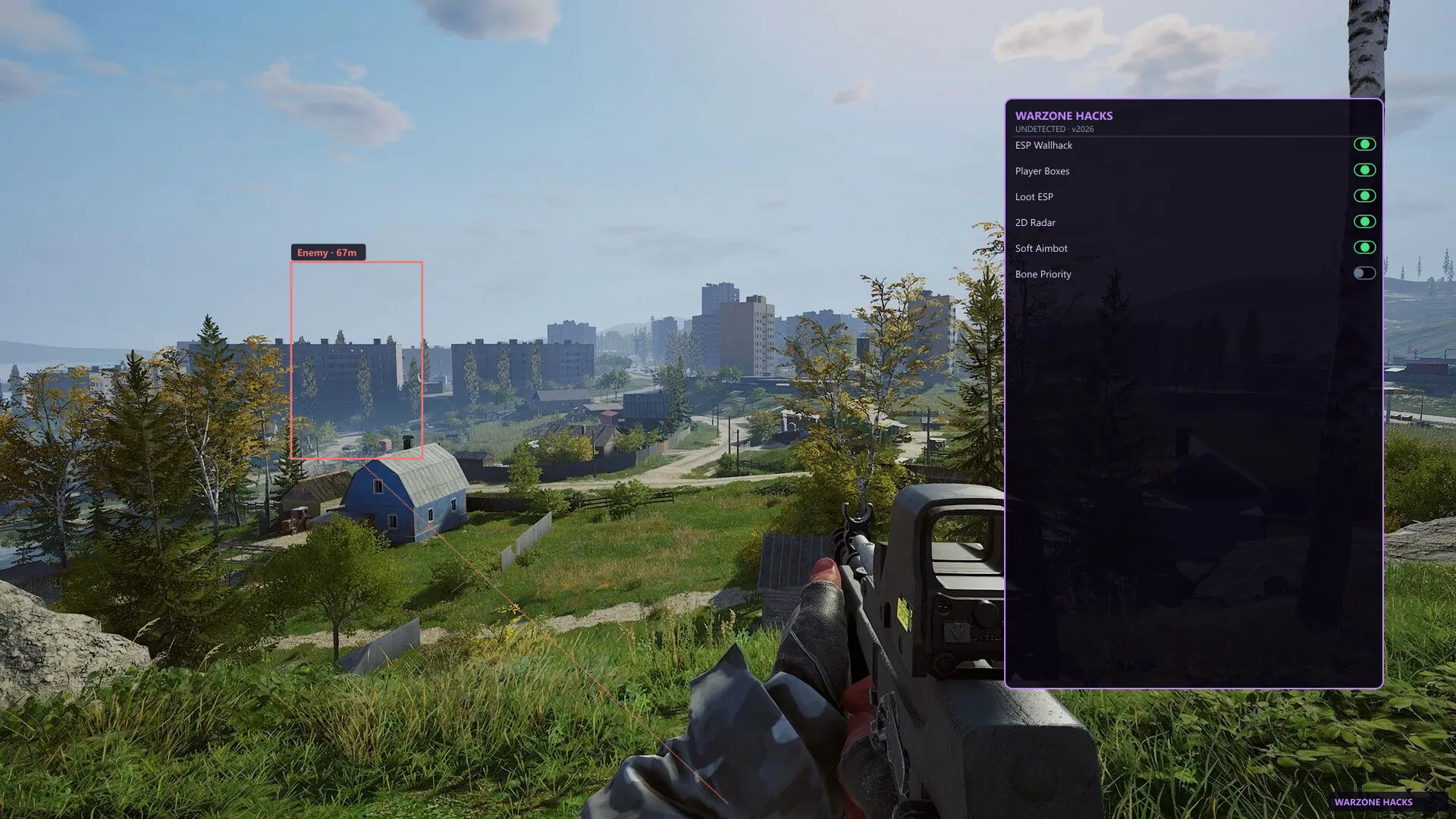
See players, NPCs, and loot through walls with distance readouts. Every object gets a box and a range number, so you know what is close enough to matter before you push.
Use filters so the overlay stays clear in loot runs, PvP fights, and open-world hubs. A crowded loot run can put dozens of NPCs on screen at once, and an unfiltered overlay hides more than it shows. Turn off the categories you do not need for the content you are running.
The full breakdown of every box type, colour, and filter lives on the Deadside ESP overlay page.
- Player boxes with live distance readouts
- Loot, crate, and extract markers
- NPC and loot run category filters
- Adjustable opacity so the overlay stays readable
Aimbot & soft aim
Aim help you can tune to feel natural. The default profile is deliberately gentle — it corrects your aim rather than snapping it, which is what keeps sessions looking normal to anyone watching.
Set FOV, smoothness, and target priority per weapon before a loot run. A DMR or bolt-action wants a wide field of view and heavy smoothing; an SMG wants a tight field of view so the aim does not drift to something behind your target. You can rebind every hotkey and change strength without leaving the match.
Recommended starting values for each play style are listed on the Deadside aimbot settings page.
- Smoothing strength you can dial down for safety
- Field of view and bone priority per profile
- Rebindable hotkeys you can change mid-match
- Separate profiles saved per weapon
Radar
A simple 2D radar for threats outside your view. It sits in a corner at a size you choose, so you get map awareness without the overlay covering your skill bar.
Spot flanks near extract points without filling the whole screen. The radar is most useful in open-world hubs and contested areas where something can approach from off-screen while you are mid-animation.
Range, scale, and placement options are covered on the Deadside radar overlay page.
- Nearby enemy and NPC cues
- Adjustable range and radar scale
- Works in loot runs, PvP fights, and open world
- Corner placement you can move or hide
Updates & support
We rebuild after big Deadside or Easy Anti-Cheat patches. A patch can change the memory layout the overlay depends on, so the build is taken offline, rebuilt, and re-tested rather than left running in a broken state.
Check Status before you play after a patch day. This is the single habit that prevents most problems — loading an old build against a freshly patched game is how accounts get flagged. Our current build status and patch notes are updated the same day.
Every active licence gets rebuilds for as long as it is valid. Monthly and lifetime plans are treated identically here; there is no priority tier.
- Rebuild notes posted on the status page
- Step-by-step installation guide included
- Email support that answers with your order ID
- Common problems answered in the frequently asked questions
What is not included
It is worth being direct about the limits. This is a Windows PC product only — there is no console, cloud-streaming, or Mac support, and no plan to add any.
There is also no guarantee of permanent safety. Any cheat can be detected, and anyone who promises otherwise is selling you something they cannot deliver. What we do control is how quickly a build comes down after a patch and how honestly the status page reports it.
- Windows 10 and 11 only
- No account boosting or account sharing service
- No permanent undetected guarantee from anyone, including us
Full menu breakdown
Every toggle below ships in one licence — monthly and lifetime include the same controls. This is the same depth buyers compare on marketplace pages before checkout.
Defaults stay conservative so your first session looks normal. Tune up only after you know which categories you actually read in loot runs and PvP fights.
- Aimbot — enable, keybind, aim mode, bone priority, NPC aim, visibility check, FOV border, FOV size, smoothness, max distance
- ESP players — bounding box, fill box, skeleton, name, corpse, distance, view line, snapline, visibility check, max distance
- Loot ESP — weapons, ammo, meds, food, tools, clothing, crates, vehicles, extract markers, category filters, max distance
- Radar — player dots, NPC dots, corpse cues, range slider, scale slider, corner placement, opacity
- Misc — battle mode hotkey, crosshair, off-screen arrows, watermark toggle, config save/load/share
- Settings — menu key, unload key, DPI scale, theme, language, per-weapon profiles
System requirements
Dead Side Cheats runs on Windows 10 and 11 with the Steam version of Deadside. You need administrator rights for the loader and a clean overlay stack — close Discord, GeForce Experience, and Steam overlays before first launch.
Intel and AMD CPUs are supported. NVIDIA and AMD GPUs both work. Check the setup guide and live build status after every Easy Anti-Cheat patch.
- Windows 10 / 11 (64-bit)
- Steam client — Deadside
- Administrator rights for the loader
- No conflicting overlays or recording hooks
- Dead Side Cheats overview
- Compare monthly and lifetime plans